You can view all existing access keys, create new ones, and revoke the permissions associated with any existing keys. TMC administrators can perform these operations for their company or for any of the organizations they manage and service.
Select Access Keys in the left navigation.

Click Create.
Select whether it will be for the TMC or Company access level.
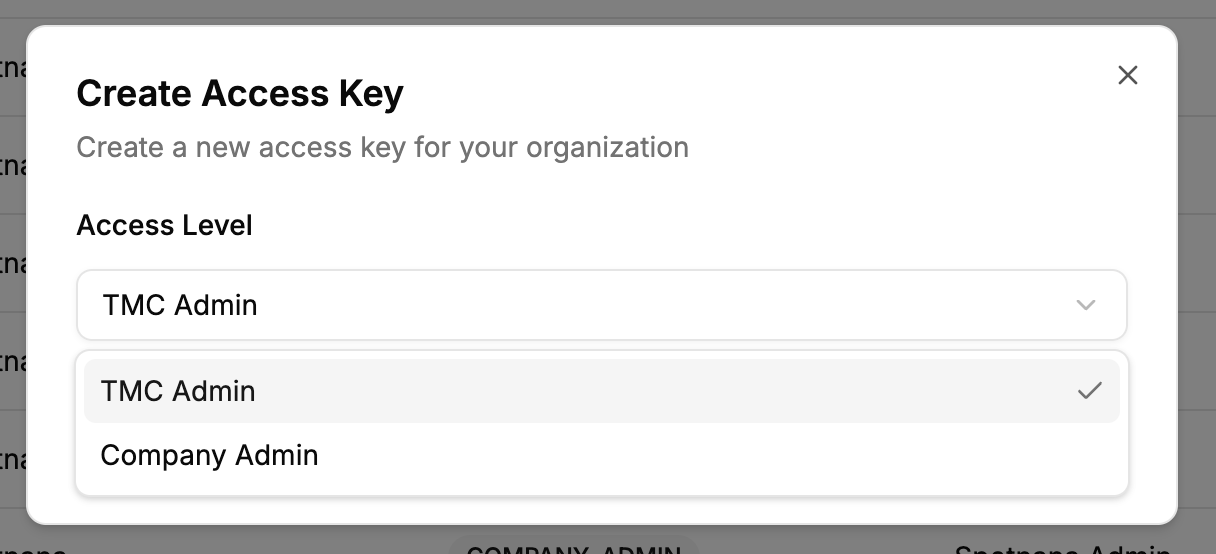
Click Create. The access key will be created and you will be prompted to save the credentials.
The access key credentials are displayed only once, at the time of creation. Make sure you copy and save them securely before closing the prompt.
Select Access Keys in the left navigation.
You'll see a list of access keys that have been created and currently active. Find the access key you wish to revoke using its
clientId.
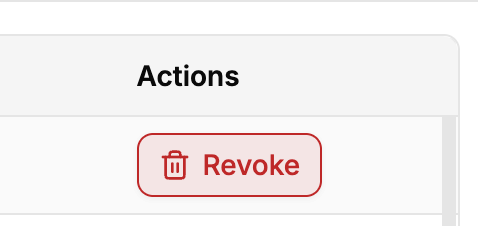
Click Revoke in its row.
Revoking an access key immediately and permanently cuts off API access for that key. Any system still using it will start receiving authentication errors. Before revoking a key that is in active use, create a new replacement access key and update your systems to use the new credentials. A revoked key cannot be restored.